Virtual Display Manager 4 | 4.0.0.46322 (Nov 25, 2026)
Shape the workspace around the work.
Virtual Display Manager transforms physical monitors into flexible, independently managed virtual displays—giving applications their own space while allowing your workspace to change with the task.
01 / VIRTUAL DISPLAYS
A place for every application.
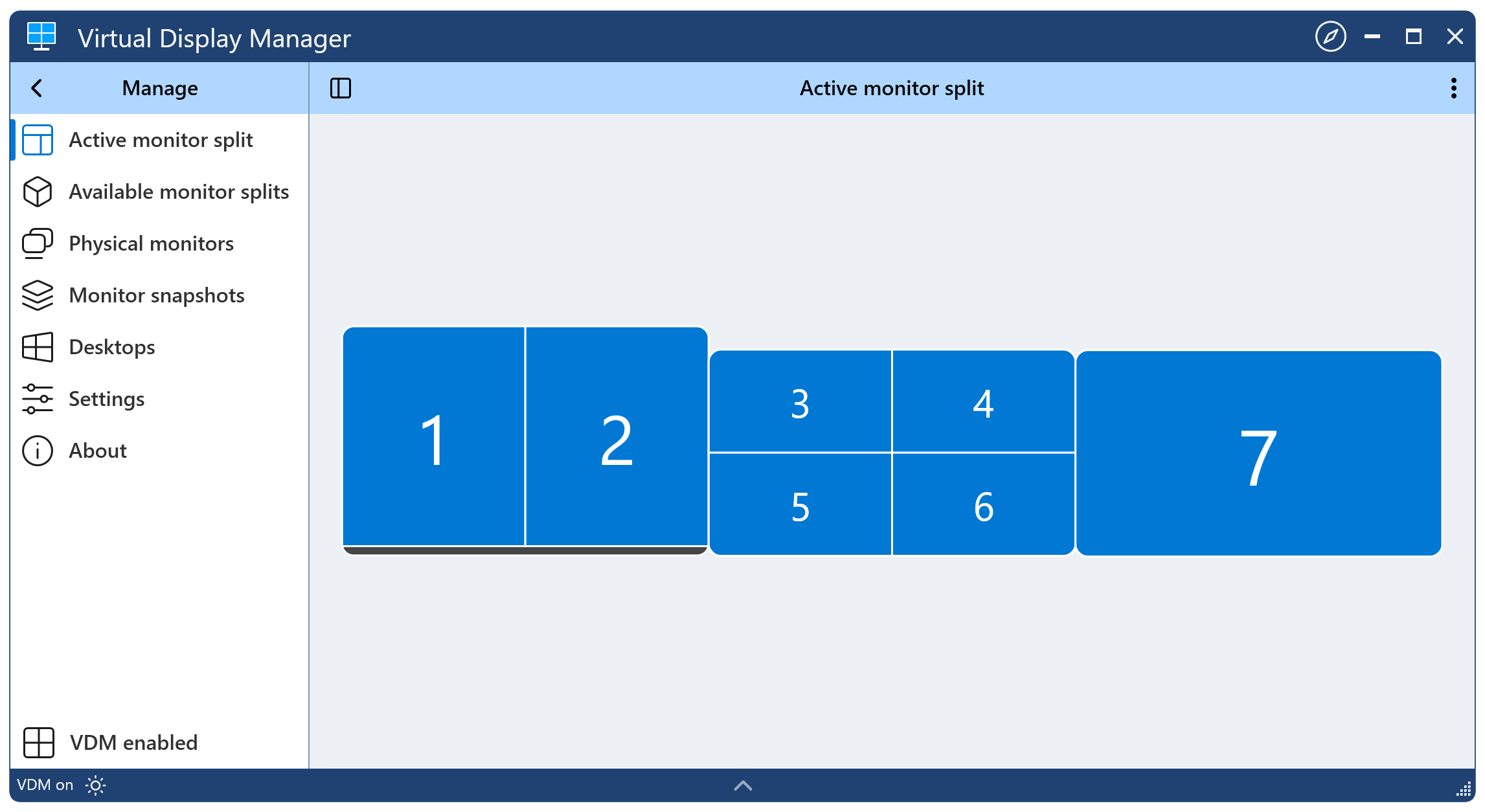
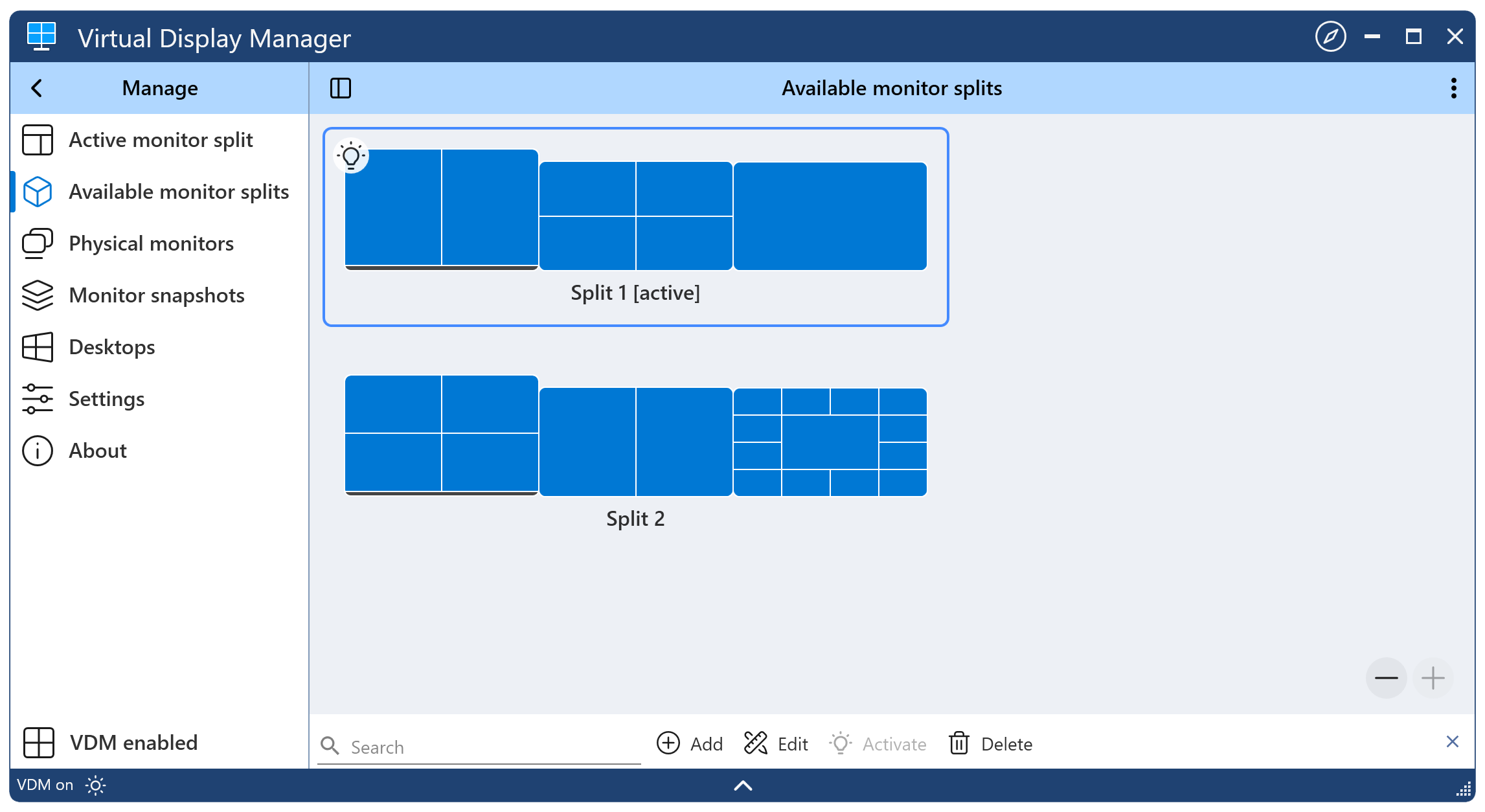
Divide physical monitors into managed virtual displays. Supported applications can maximize within these regions, giving you the flexibility of multiple displays without adding more monitors.
Notable capabilities

Pixel-Perfect Configuration
Refine template layouts with pixel-level precision, including unequal regions and complex arrangements.
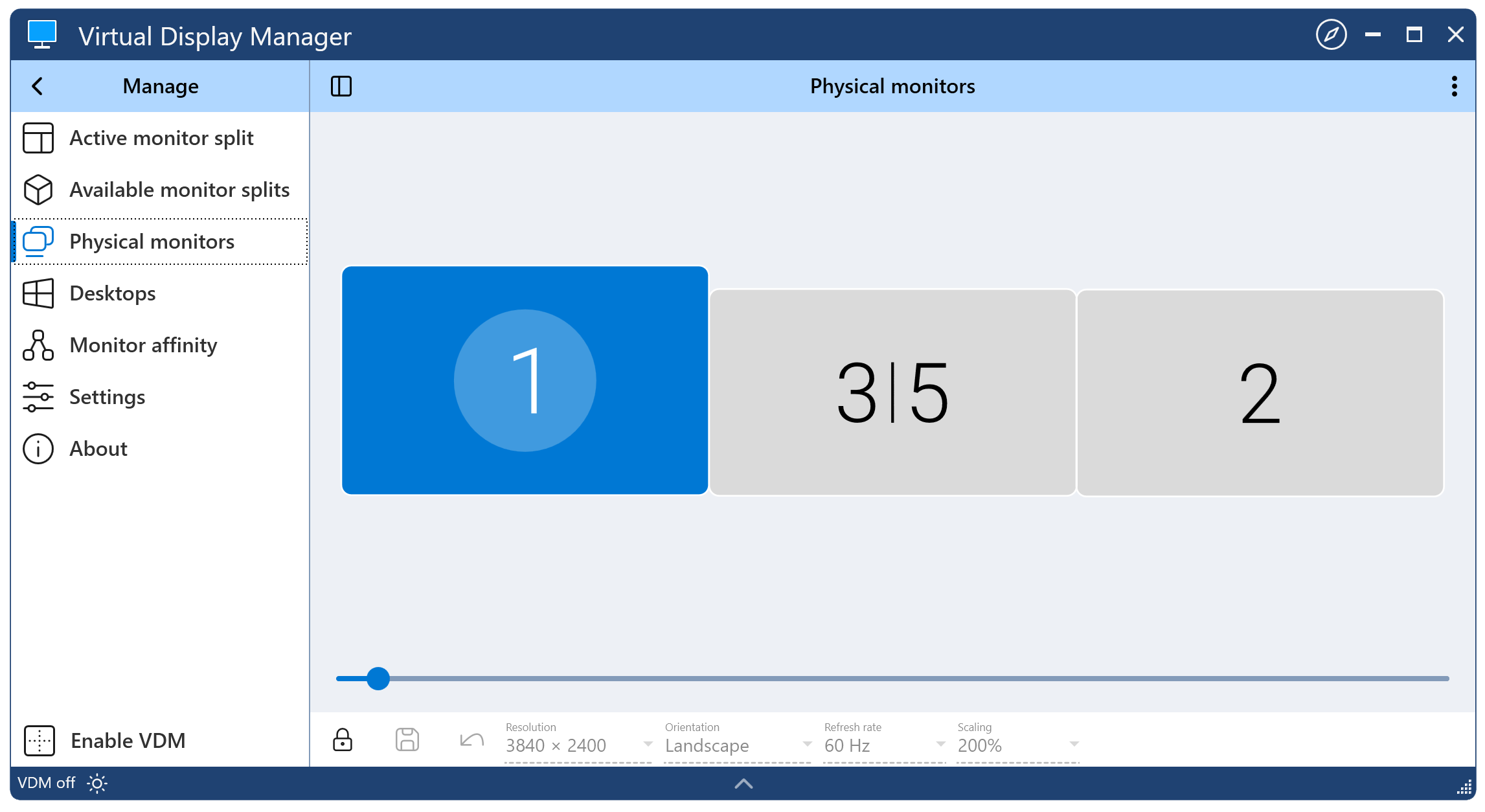
Physical Monitors
Add, remove, rotate, mirror, and configure physical monitors, with pixel-level precision when positioning them.
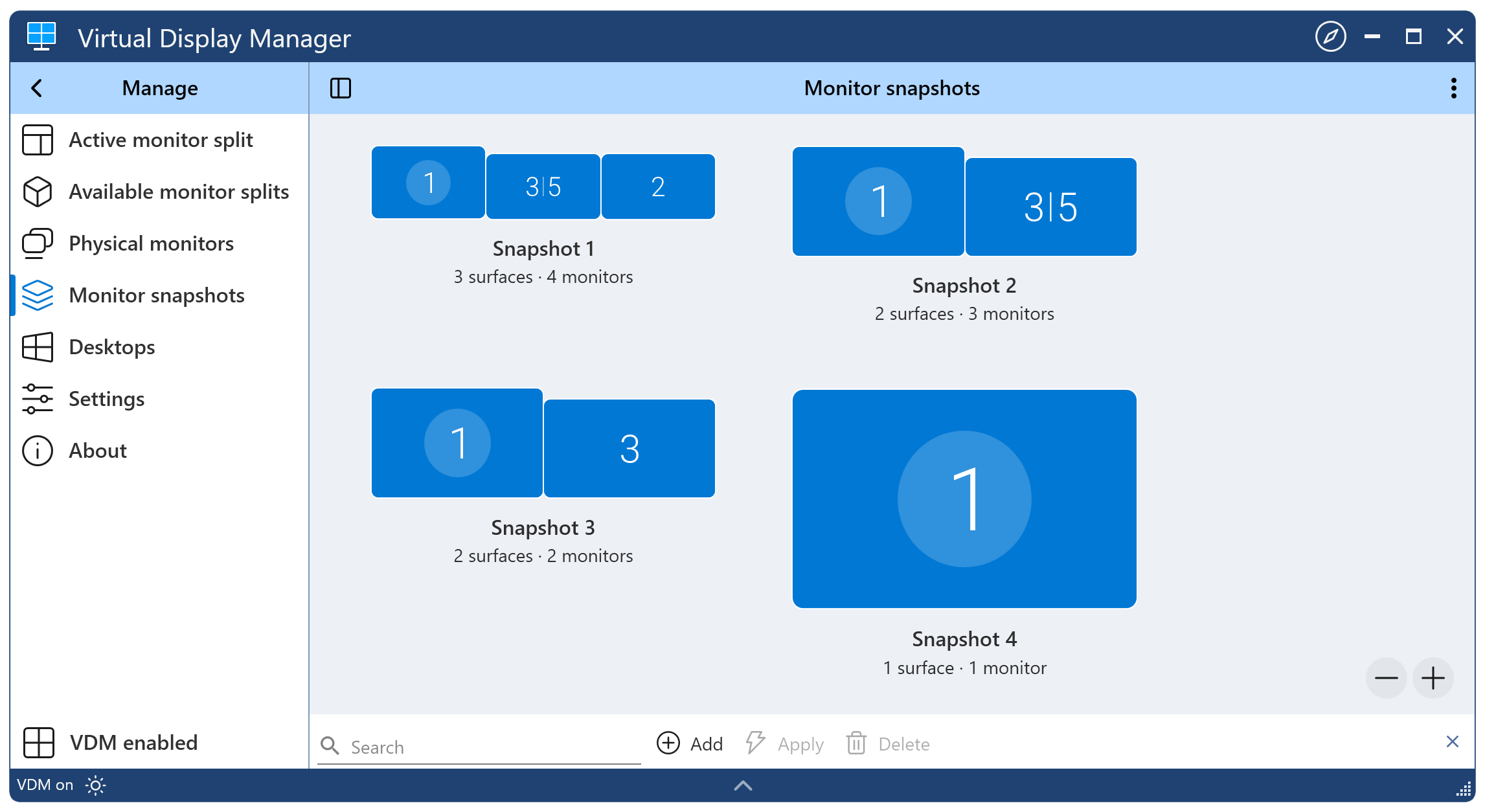
Monitor Snapshots
Save physical arrangements, including rotation, refresh rate and per-monitor DPI scaling. Associate a saved split for a matching docked, laptop or gaming setup.
Local and Remote Workspaces
Use VDM 4 in local and remote Windows sessions, including Microsoft Windows 365, Citrix Virtual Apps and Desktops, and Omnissa Horizon.
Incognito Mode
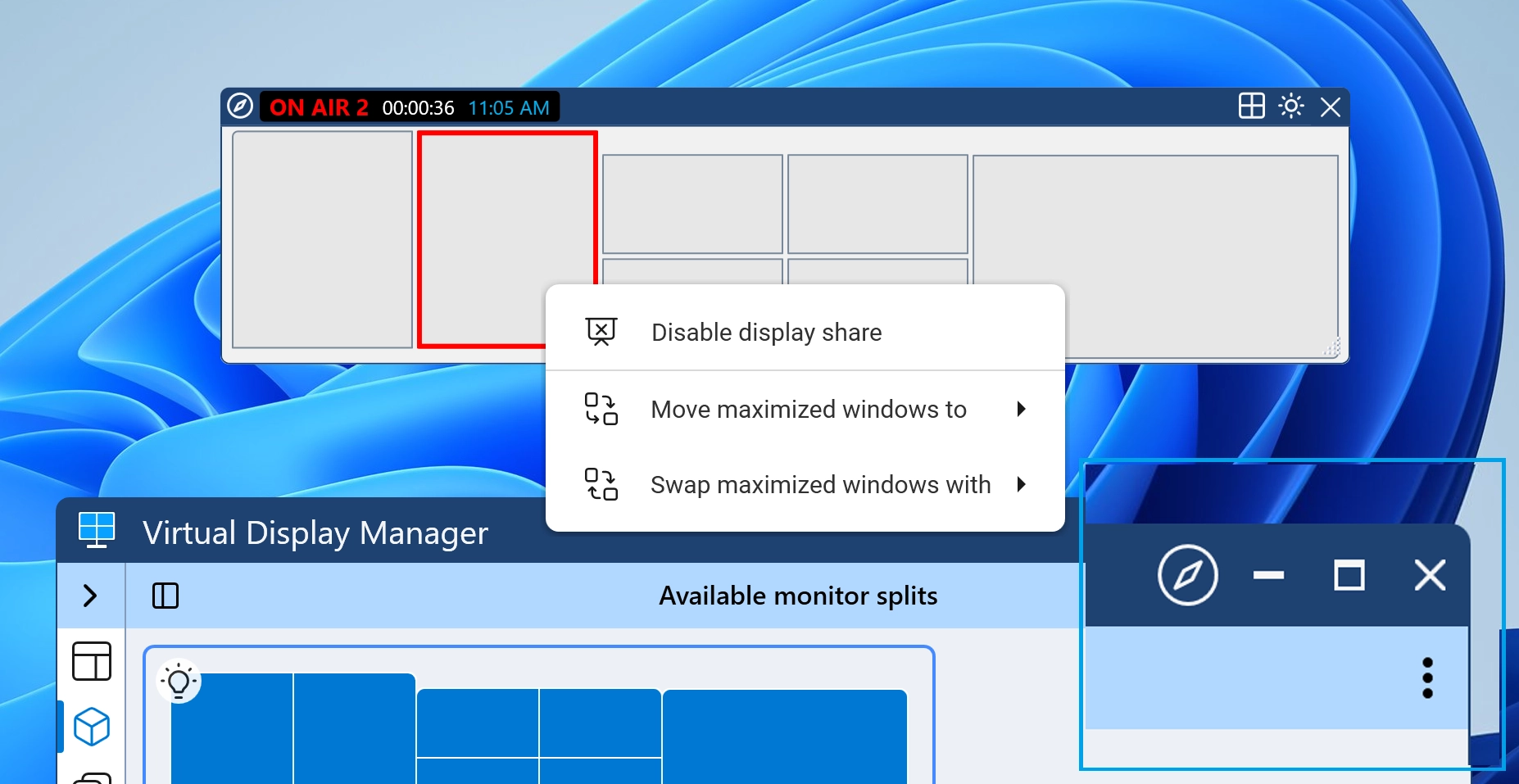
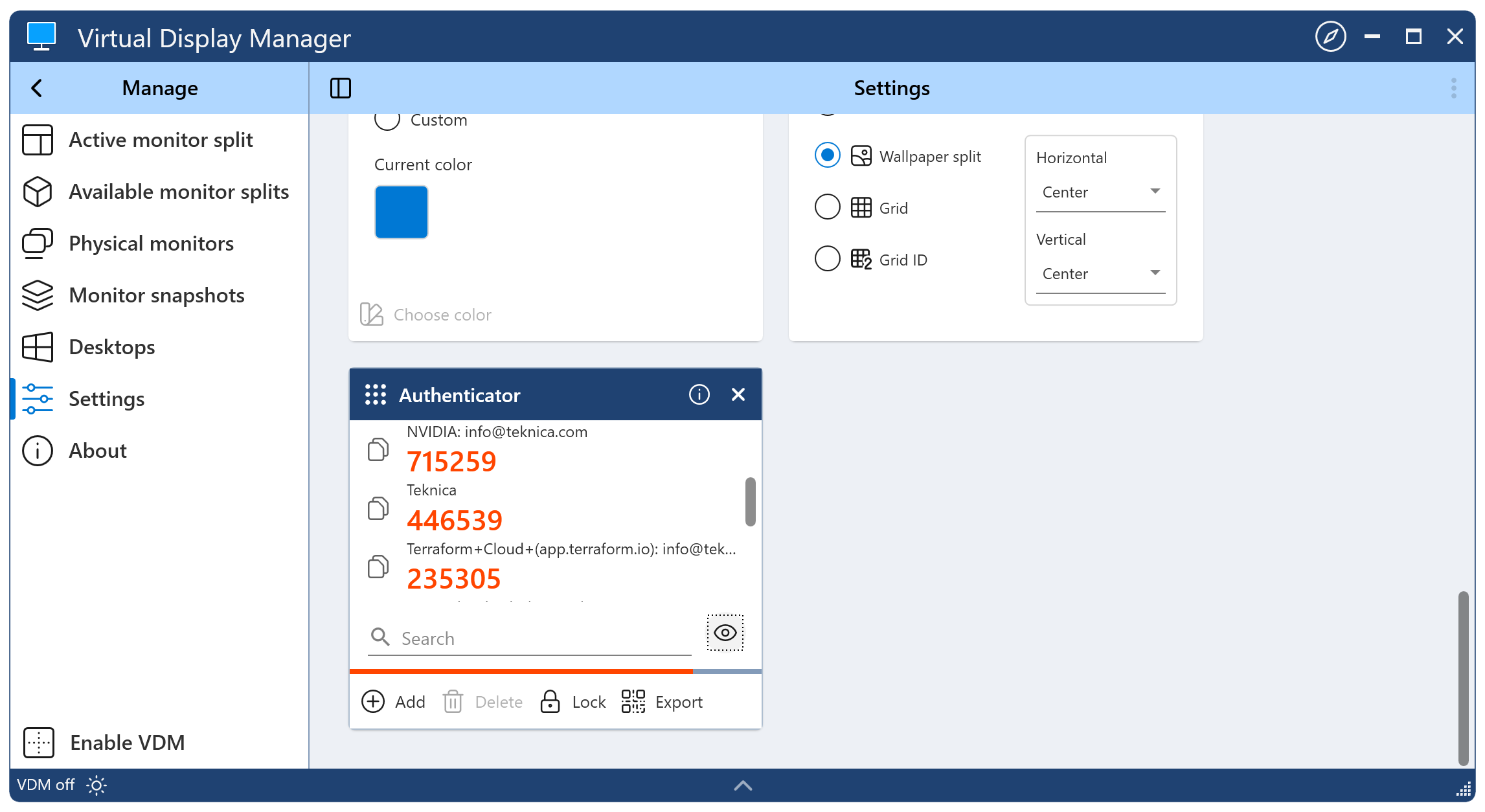
Exclude selected windows or entire applications from screenshots and screen sharing. Hide desktop icons for a cleaner presentation.
Multilingual Support
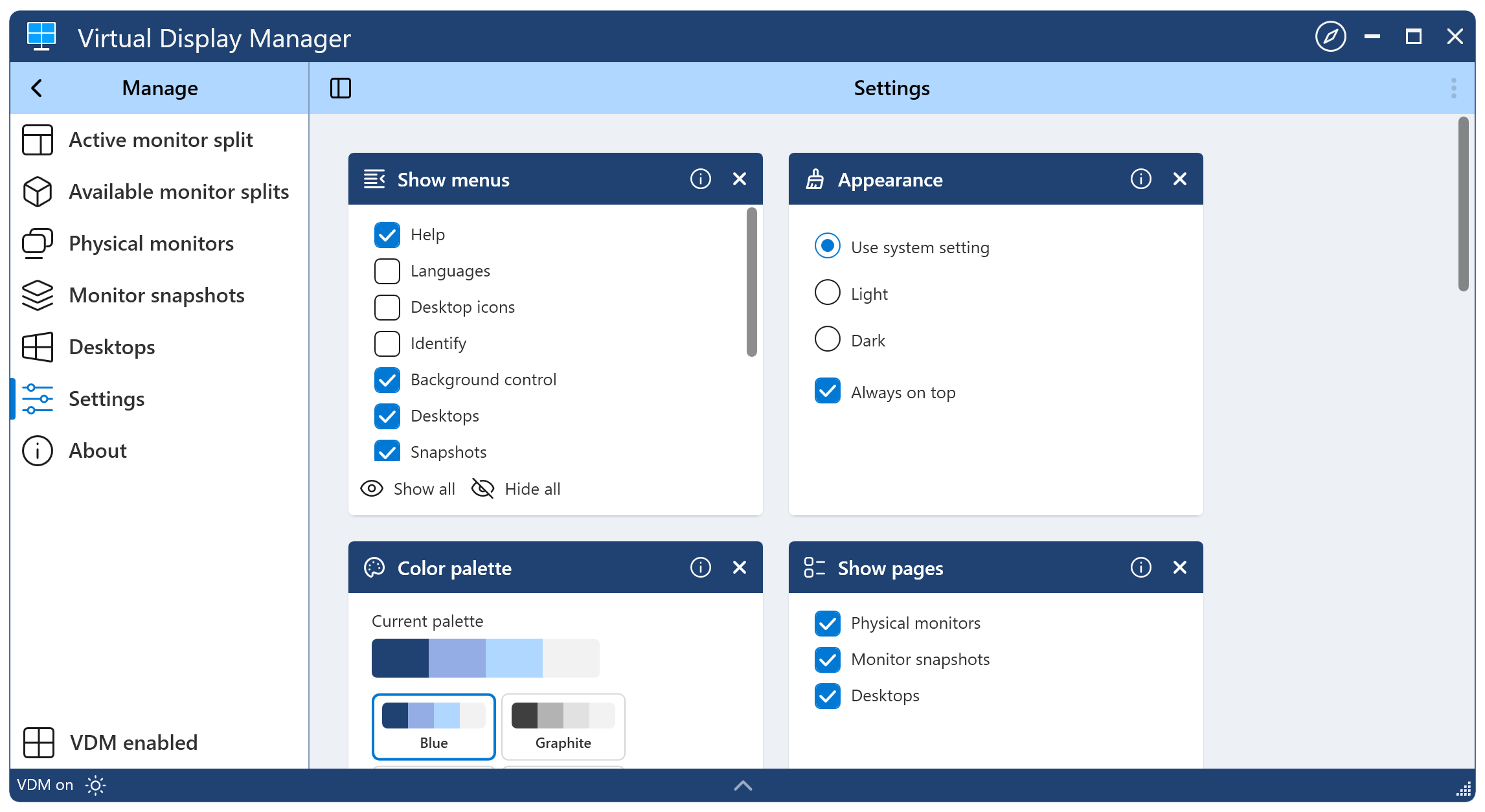
VDM supports 17 languages, making its interface accessible to users around the world. Choose your preferred language or follow your Windows language setting. Suggestions for additional translations are welcome.
Seamless Screen Sharing
Share virtual displays in Microsoft Teams, Zoom, and other conferencing applications. Switch instantly between virtual displays without stopping and restarting your screen share.
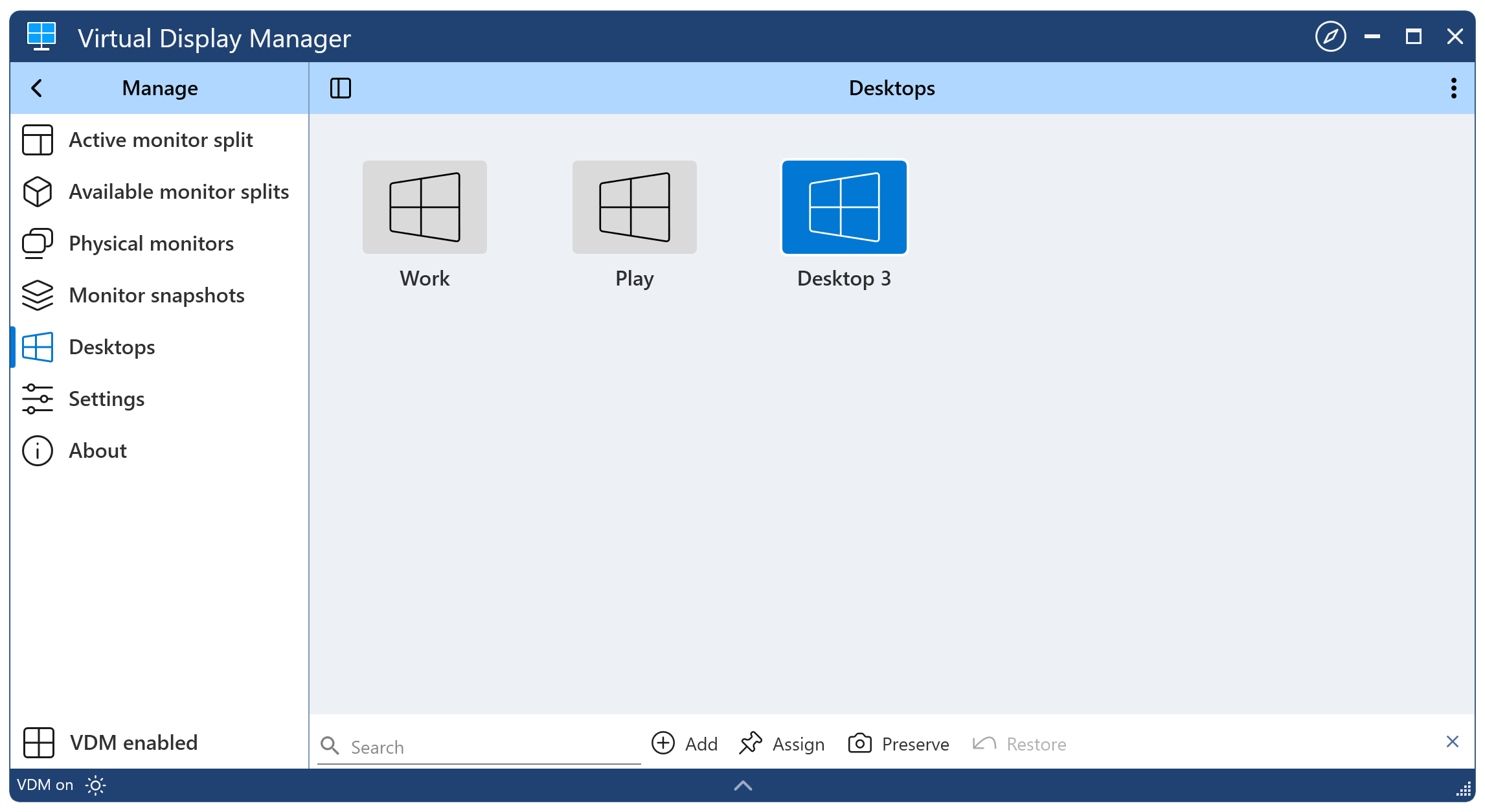
Windows Virtual Desktops
Organize projects across Windows virtual desktops while keeping VDM layouts available within them.
Multi-monitor DPI Awareness
The interface adapts to each monitor’s DPI setting.
Monitor Affinity
Retain maximized-window associations across layout changes; ordinary-window placement is best effort.
Scripting and Automation
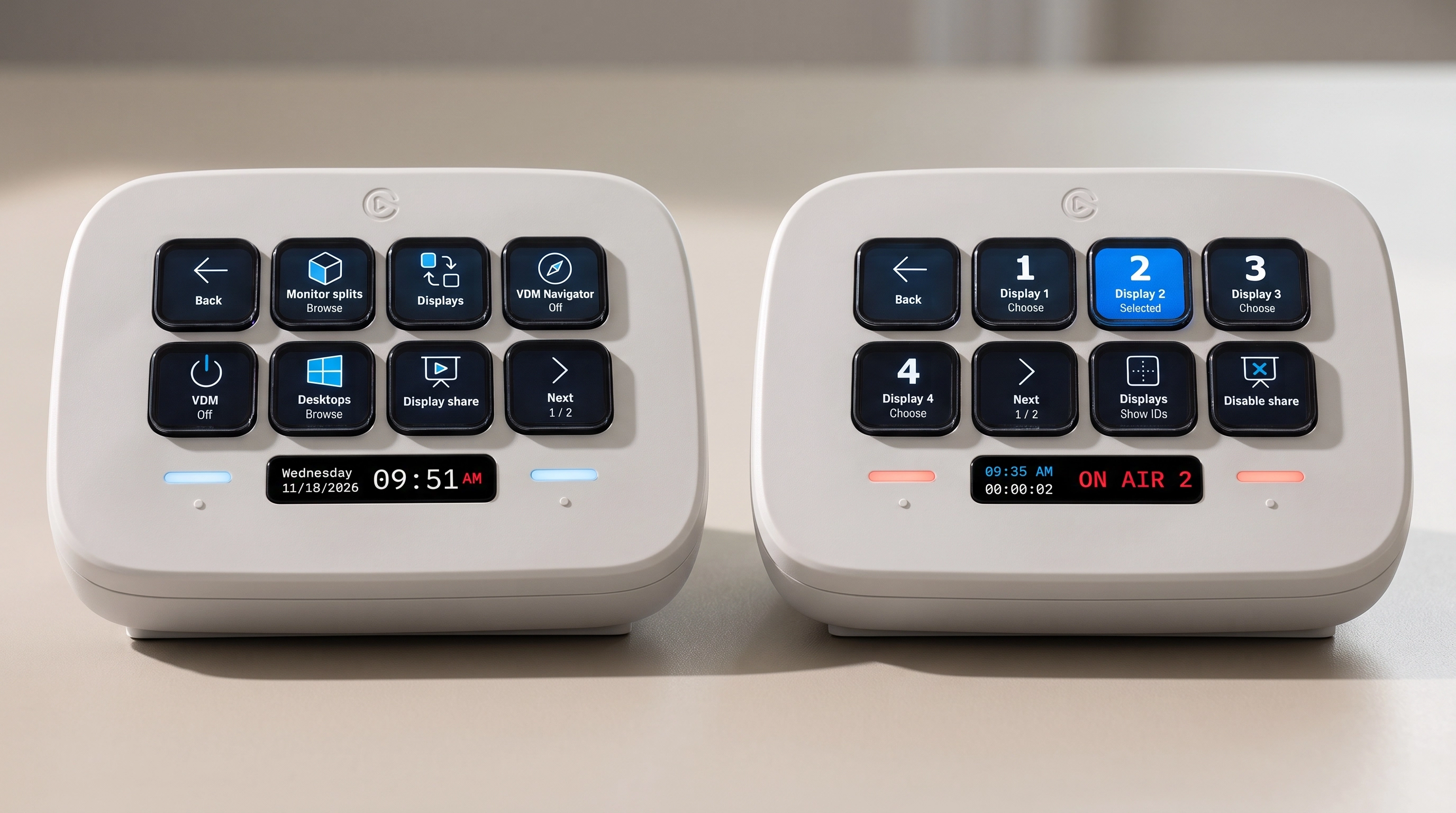
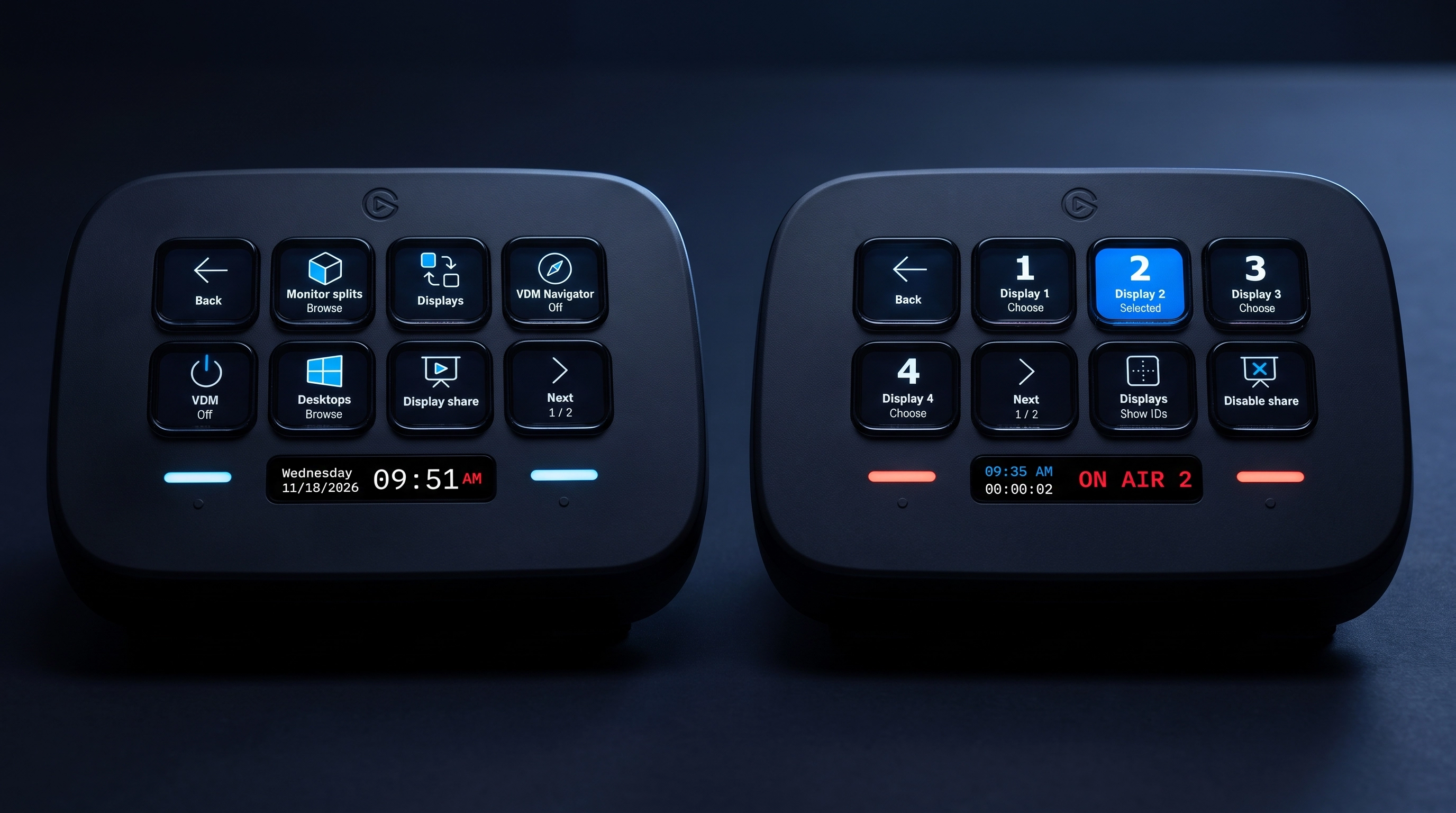
Use PowerShell to inspect configurations, change VDM settings, and automate your workspace. Native Elgato Stream Deck integration provides physical workspace controls alongside scripting.
Constrained Full-Screen Video Playback
Use full-screen video within a supported virtual display while keeping other screen regions available.