Virtual Display Manager 4 | 4.0.0.46322 (Nov 25, 2026)
Monitor Snapshots in Virtual Display Manager 4
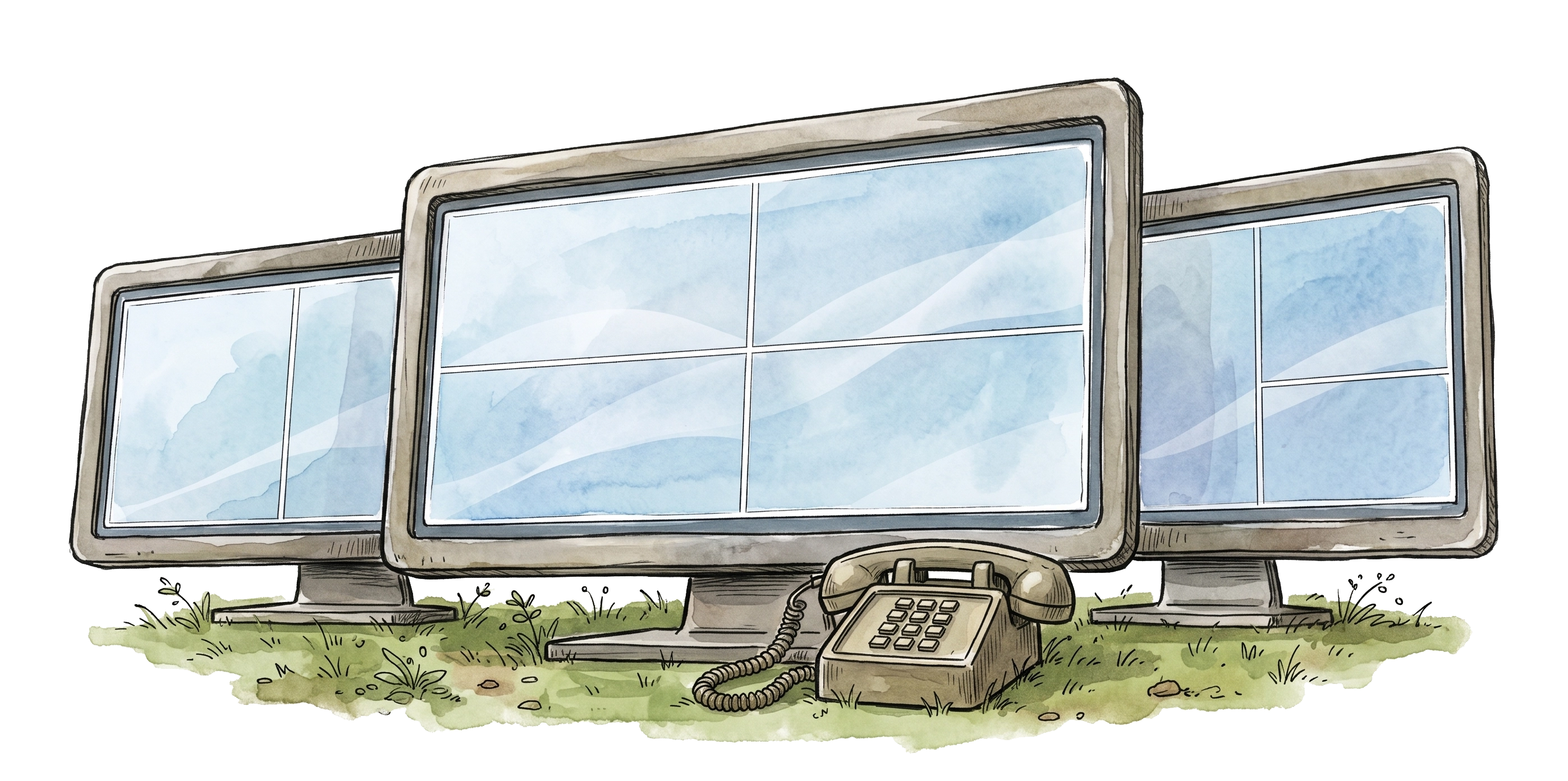
Modern multi-monitor workstations are dynamic. Displays may be added or removed, docking stations connected or disconnected, graphics drivers updated, or Windows may simply enumerate monitors differently after a reboot. Any of these events can change the desktop topology and disrupt an otherwise carefully organized workspace.
Monitor Snapshots in Virtual Display Manager (VDM) 4 allow users to capture the complete desktop topology and restore it whenever necessary. Instead of manually rebuilding complex monitor layouts, a saved snapshot returns the desktop to a known working configuration within seconds.
What Is a Monitor Snapshot?
A Monitor Snapshot records the current desktop topology, including the relationship between physical monitors, virtual displays, and the Windows desktop configuration.
A snapshot captures the state of the workspace at a particular moment, allowing it to be restored later if the monitor configuration changes.
Typical information includes:
- Physical monitor arrangement
- Display resolutions
- Display orientation
- Primary monitor selection
- Virtual display assignments
- Desktop topology
When Are Monitor Snapshots Useful?
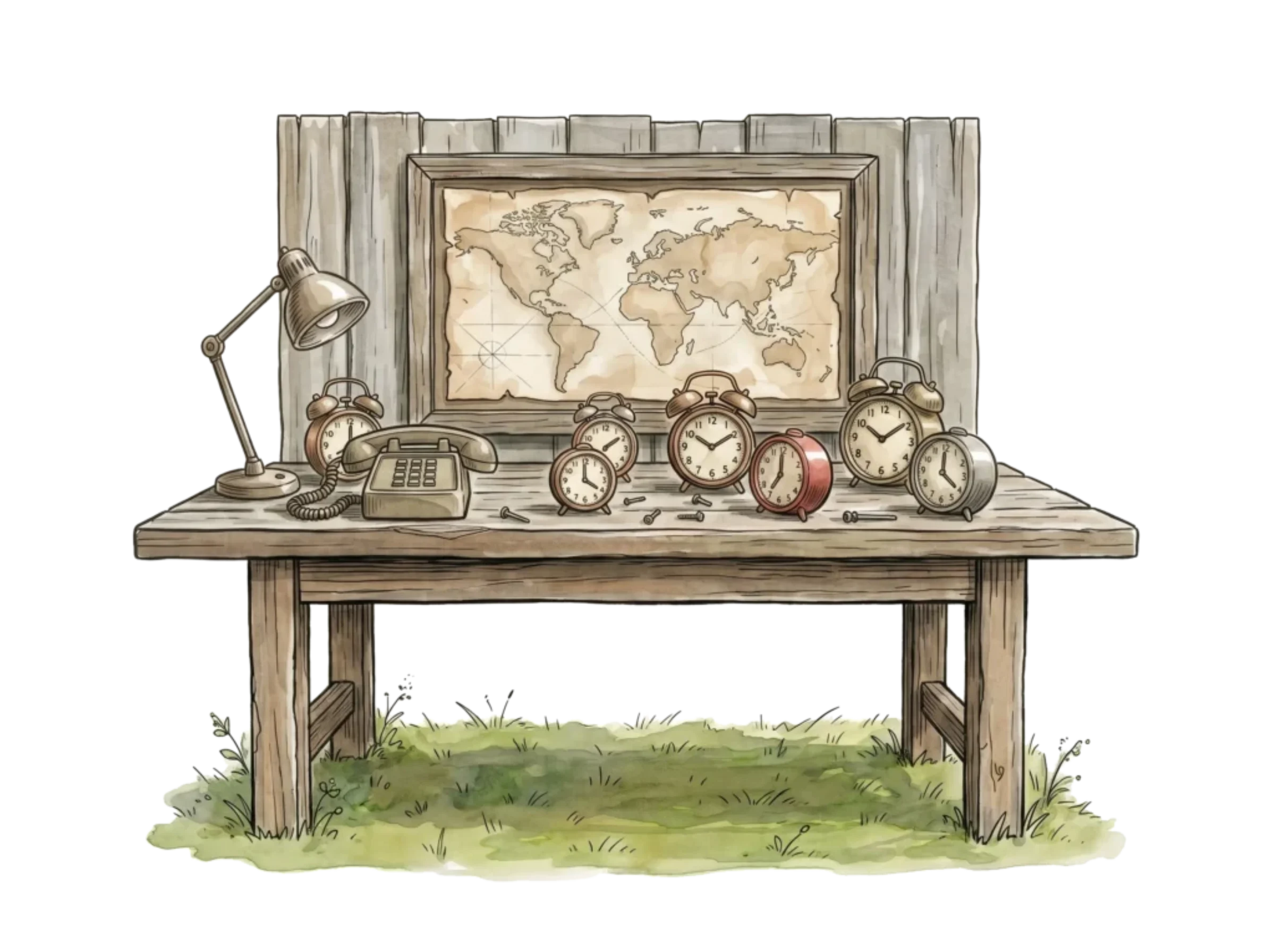
Monitor Snapshots are useful whenever the desktop topology changes unexpectedly or intentionally.
Common examples include:
- Windows assigning monitors differently after a reboot
- Connecting or disconnecting docking stations
- Moving between office and home workstations
- Replacing or upgrading monitors
- Graphics driver updates
- USB-C, DisplayPort, or Thunderbolt re-enumeration
- Recovering from accidental display configuration changes
- Testing different monitor layouts
The Windows reboot scenario is simply one of the most common examples—not the only one.
Example: Windows Reboot
After restarting Windows, monitors may occasionally be detected in a different order.
This can result in:
- Different primary monitor selection
- Changed monitor arrangement
- Virtual display reassignment
- Window placement changes
Rather than manually correcting the configuration, simply restore the appropriate Monitor Snapshot.
Benefits
Monitor Snapshots provide several advantages:
- Restore complete desktop topologies
- Quickly recover from unexpected monitor changes
- Maintain consistent virtual display assignments
- Simplify switching between different workspaces
- Save time by avoiding manual reconfiguration
Conclusion
Monitor Snapshots make desktop configurations repeatable, predictable, and easy to recover.
Whether your desktop topology changes because of a Windows reboot, monitor re-enumeration, docking or undocking, hardware upgrades, graphics driver updates, or simply because you maintain multiple workspace configurations, Monitor Snapshots provide a reliable way to return your system to a known, working state.
With VDM 4, users can capture and restore complete desktop topologies—including physical monitor layouts, virtual display assignments, and display configuration—eliminating much of the uncertainty associated with dynamic multi-monitor environments. Instead of manually rebuilding complex desktop layouts, a Monitor Snapshot restores the workspace in seconds, allowing users to remain productive regardless of how the display environment has changed.