Virtual Display Manager 3 | 3.3.2.46315 (Nov 24, 2026)
VDM Classic.
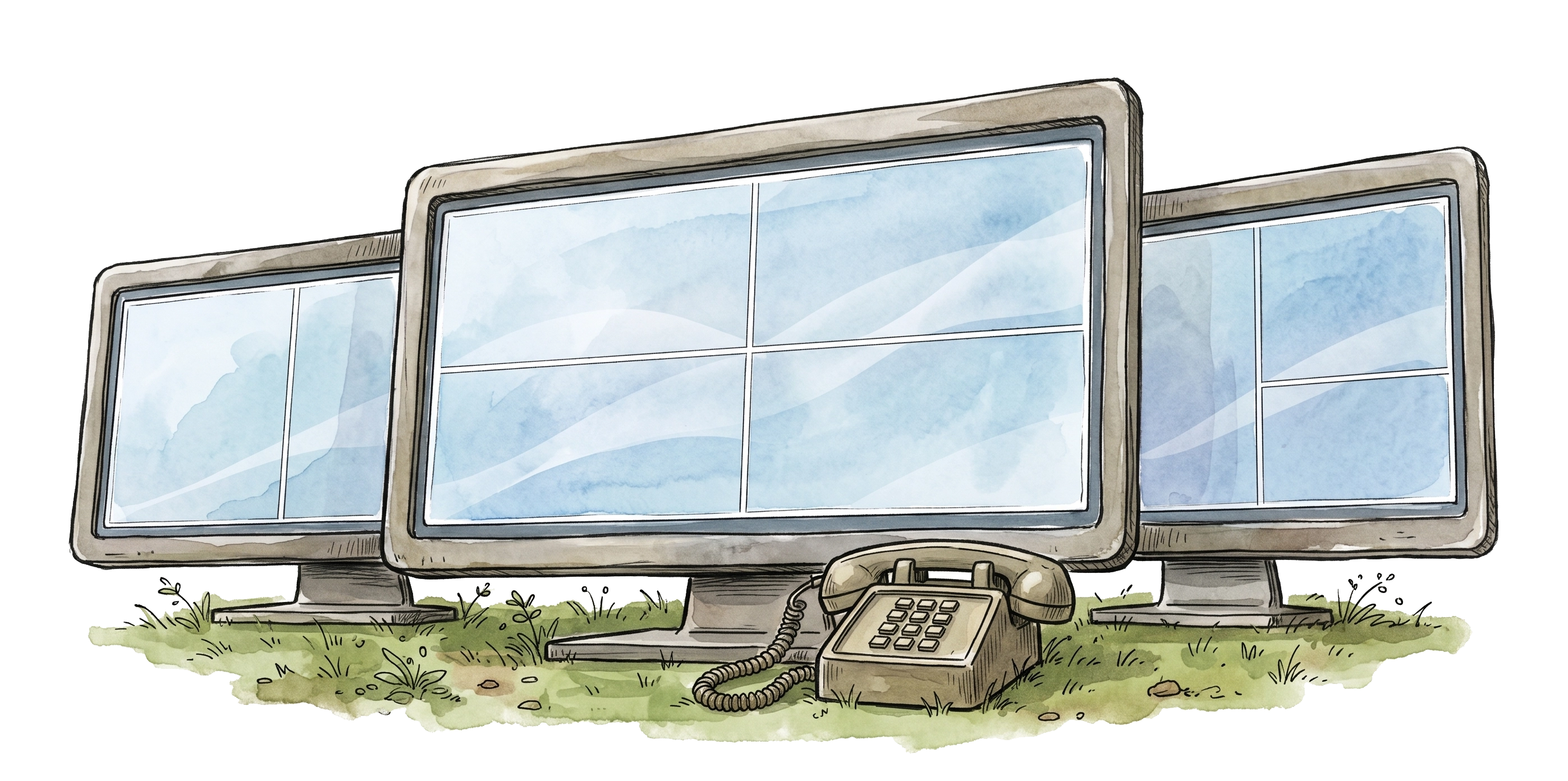
Make more of the monitors you already have. Divide physical screens into virtual displays and give each application a useful place to work—on your desktop or in a remote session.
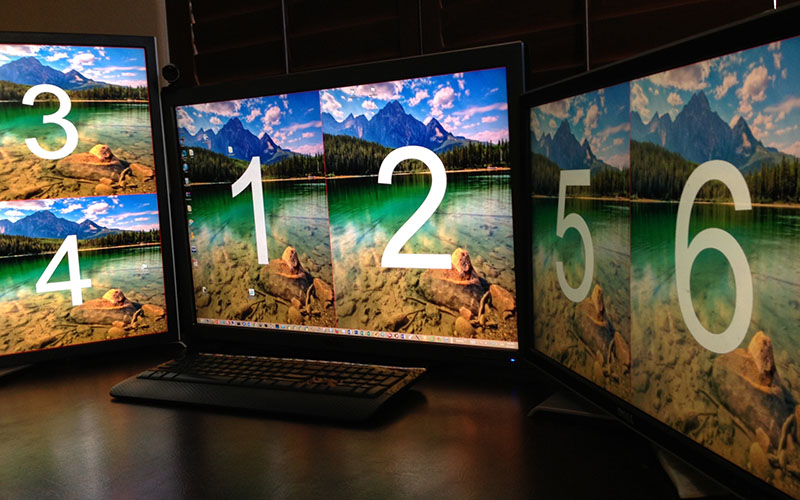
A practical workspace for everyday tasks
One screen, several work areas
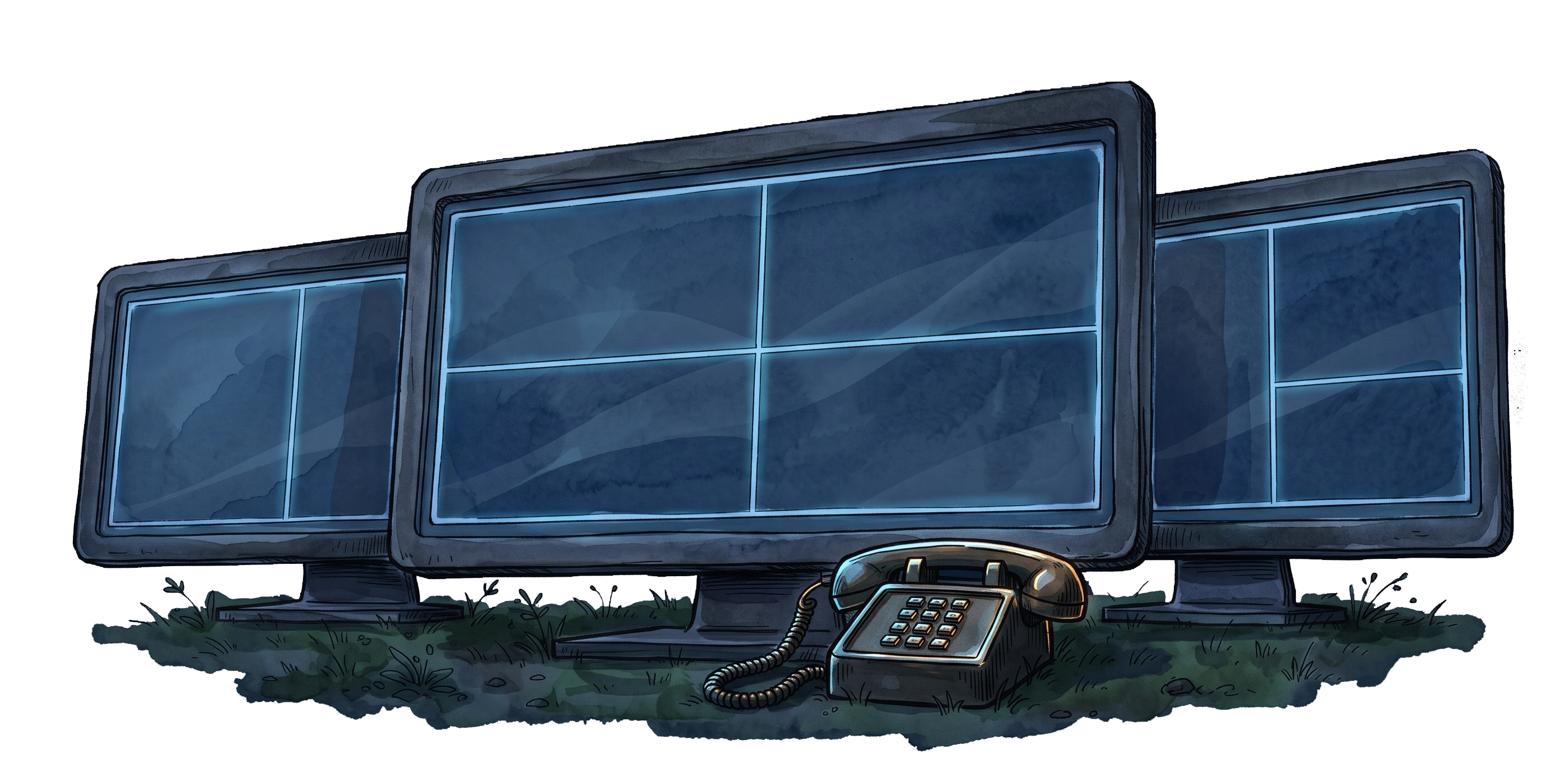
Split a single monitor into virtual displays. Maximize Excel in one area and Outlook in another, with each window using its own display boundaries.
Put large monitors to work
Divide a high-resolution display into areas sized for your applications. Use even divisions or custom layouts across monitors of different sizes.
Work across remote sessions
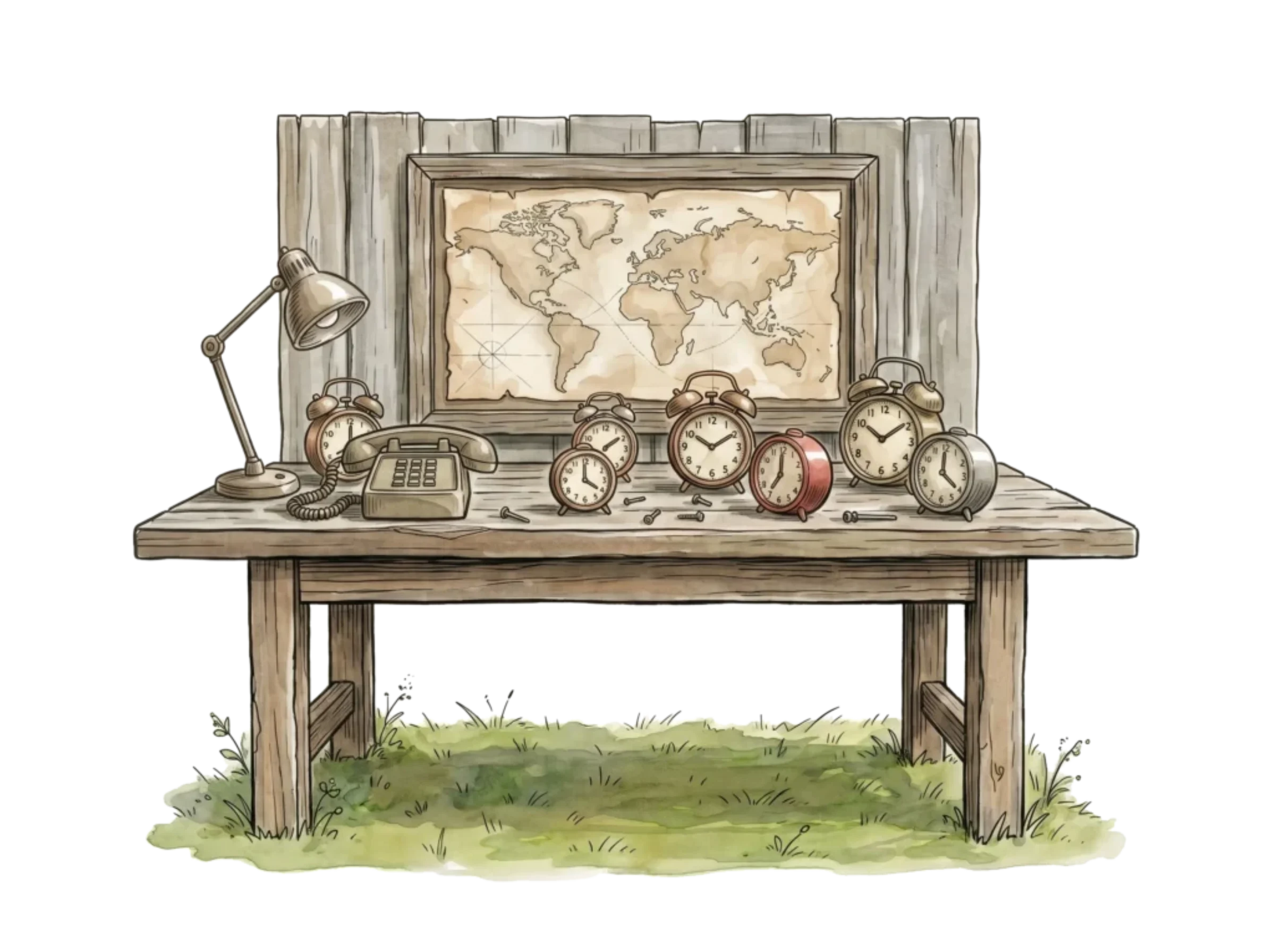
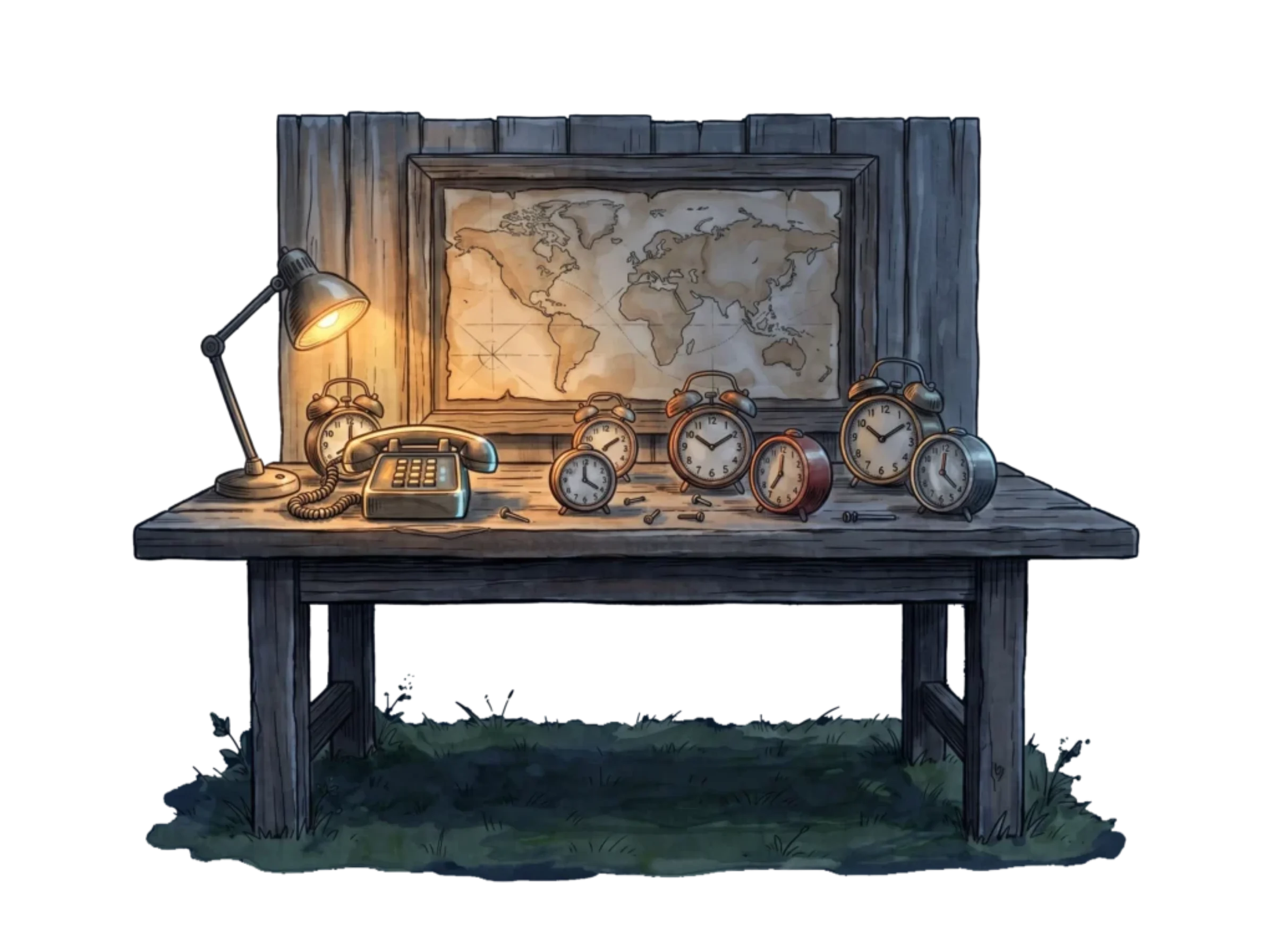
Organize applications in local and remote environments, including Microsoft RDP, Citrix ICA and VNC. Test your intended applications and session configuration before deployment.
Features
- Configure each physical monitor independently, with up to 16 virtual displays per monitor.
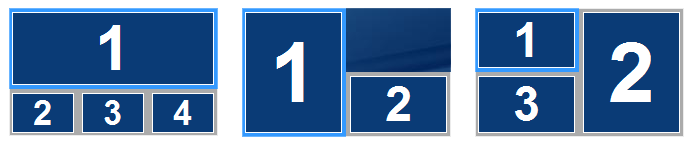
- Use equal divisions or custom layouts for different monitor sizes and aspect ratios.
- Work in local and supported remote sessions, including Microsoft RDP, Citrix ICA, VNC and Radmin.
- Retain named layouts and control desktop icon placement as your screen arrangement changes.
Get started
Download VDM 3, follow the installation guide, then create a layout using Configuration. Evaluate it with your applications before choosing a license.
VDM 3 setup & documentation
These guides cover VDM Classic (version 3). Choose a guide below to get started.
- Introduction & use cases — single monitors, high-resolution screens and remote workspaces.
- Installation — setup options, optional LICENSE.VDL import and upgrades.
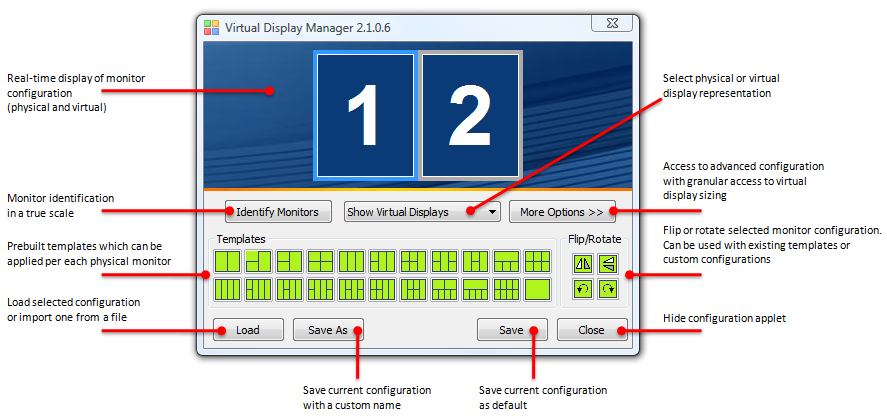
- Configuration — templates, custom display divisions, saved layouts and application options.
- Deployment automation — installation and updates across multiple computers.
- Installation troubleshooting — diagnosing service and installation issues.
Compatibility depends on your software build and operating environment. Review the support policy and validate your intended configuration.